
When we considered AI in UI/UX design a few years back, we probably envisioned it as a supporting assistant for the creative process from the side. Today, however, the scenario is different; the fact is evident that AI has entered a more engaged role and is working along with human designers to co-create experiences.
As it breathes life into static designs, AI transforms them in seconds to more dynamic, interactive experiences that may evolve in real time. It translates abstract ideas into tangible elements, helping designers experiment freely, prototype faster, and explore creative boundaries without constraint. What once took days can now happen in hours, and what once lived rent-free in a designer’s imagination can now come alive as vibrant, moving, responsive interfaces.
Tune in as we unpack how this transformation is taking shape. This article offers a deeper look into how AI is remodeling UI/UX design.
Is AI Replacing Creativity in UI/UX Design? Here’s the Truth
Is AI replacing creativity? It’s a question that stirs curiosity across every creative field, especially in design. But the truth is far from that fear. It is more like when a paintbrush was invented, it didn’t replace the artist. It gave them new ways to express their vision. The same goes for AI in UI/UX design. It doesn’t take over the creative process; it supports it. It takes care of the repetitive tasks, sorts through complex data, and suggests smarter ways to structure an interface. But the heart of the design—the emotion, the story, the intention—still comes from the human mind. AI might hand you a sharper brush, but it’s still your hand that paints the picture.
AI in UI/UX Design: Key Functions
- Automatic ideation & prototyping: AI tools can be used to generate wireframes, mockups, and layout ideas in no time from simple prompts, helping designers overcome creative blocks and kick-start projects with a clear vision.
- User flow and persona creation: AI can outline user journeys and produce draft personas, which can later be used to guide design thinking and structuring early in the design process.
- Smart layout suggestions: Systems can analyze design context and propose alternative UI layouts or design concepts to spark experimentation.
- Data-driven personalization: AI analyzes user behavior and adjusts interfaces in real time, paving the way for more personalized, adaptive experiences.
- Automating routine tasks: Time-consuming tasks like resizing stuff, color adjustment, and image editing are being automated.
- Insight generation from analytics: By mining user data at scale (e.g., via Mixpanel, Hotjar), AI identifies behavioral patterns and surfaces key insights for UX decisions.
Popular AI-powered UI/UX tools
- Uizard: Early iterations and concept validation in early stages are now possible with Uizard, which turns plain text into wireframes and prototypes.
- Adobe Sensei: Integrated into Creative Cloud tools such as Adobe XD and Photoshop, Adobe Sensei applies AI to automate layout recommendations, image adjustment, and smart editing tasks.
- Figma AI: Figma’s intelligent capabilities—such as auto-layouts, artificially intelligent copy generation, and predictive auto-suggests—augment cross-platform collaboration as well as accelerate design delivery.
- Khroma: Khroma applies machine learning to suit your palate and generate distinctive, brand-specific color schemes that keep you absorbed.
- Framer AI: Framer AI converts text inputs into responsive web designs, combining intuitive layouts with production-ready code, perfect for rapid, contemporary interface building.
- Galileo AI: Galileo applies AI to generate high-fidelity UI designs directly from text in the blink of an eye, cutting hours of handwork to seconds.
No-Code & Low-Code UI/UX Platforms such as Webflow, Bubble, Wix Studio, Framer, and Softr enable designers and product teams to create interactive, visually elegant interfaces without writing code. They utilize AI to provide layout recommendations, responsive tweaks, and real-time editing, opening up UI/UX design to more people.
Benefits of AI in UI/UX Design
Artificial Intelligence is revolutionizing UI/UX design by combining data-driven accuracy with user-focused imagination. Integration throughout the design cycle has revolutionized how digital experience is developed, tested, and refined.
- Speeded-Up Design Cycles
AI facilitates quicker wireframing, prototyping, and asset creation. Platforms such as Uizard and Figma AI transform textual prompts into UI elements, saving a lot of time-to-design and allowing for quick iterations.
- Smart Testing & Feedback Loops
AI makes usability testing more efficient with real-time heatmaps, behavior analysis, and automated A/B testing. AI identifies friction points and suggests optimizations, making decisions better without human bias.
- Predictive Personalization
AI-powered interfaces adapt to user behavior. Based on the study of interaction patterns, AI enables predictive navigation, personalized content, and dynamic layouts, boosting user satisfaction and engagement.
- Accessibility Improvements
AI tools improve accessibility by detecting contrast issues, offering automated alt text, and providing voice navigation. It ensures that WCAG guidelines are being met, as well as offering inclusivity to all.
- Data-Backed Design Decisions
AI offers insights on conversion rates, user flows, and micro-interactions through the analysis of big data. Designers can use this data to make well-informed, data-driven design decisions.
- Cost & Resource Optimization
AI takes over repetitive work, such as spacing, alignment, and asset resizing, lessening the reliance on big teams. This raises productivity while reducing design overhead.
The Evolution of AI User Experience: From Passive Interfaces to Intelligent Interactions
AI has dramatically converted the user experience in the past couple of years. Flat static screens gave way to more dynamic, more responsive, predictive, and personalized experiences. With the commencement of machine learning, UX has evolved from designing for clicks to designing for conversation, prediction, and emotion. AI-driven systems now learn user behavior, adapt interfaces in real time, and personalize content to suit individual needs. Chatbots powered by NLP, like ChatGPT, have replaced rigid forms, making user support fluid and conversational. Voice UIs such as Alexa and Siri mark a shift toward hands-free, intuitive interactions, while micro-interactions—think smart auto-complete, facial recognition logins, or proactive UI nudges—are turning interfaces into intelligent companions. Take Spotify’s AI-curated playlists or Netflix’s dynamic recommendation engine; these are more than features—they’re seamless UX transformations shaped by data and learning. In retail, Zara’s AI-powered inventory and virtual try-on features are redefining fashion UX. Even in banking, apps like Cleo leverage chat-based AI for intuitive financial planning. As explored in Appventurez, Creatie.ai, and UXMag, this shift isn’t just technological—it’s philosophical. AI has moved UX design from control to collaboration, where interfaces don’t just respond but anticipate. In this new paradigm, the best AI-based UX design isn’t just seen or tapped—it’s felt, predicted, and co-created in real time.
The Designer’s Role in the Age of AI
AI is no longer a distant disruptor—it’s a daily collaborator. Yet, far from replacing designers, it’s reshaping their role.
Designers are now curators of intelligent systems. Their responsibilities have expanded beyond aesthetics to include data interpretation, ethical oversight, and the strategic orchestration of AI capabilities. From choosing ethically sourced data sets to ensuring inclusivity in algorithmic outputs, designers must think beyond the interface. This shift calls for co-creation, not competition. Tools such as Figma AI, Uizard, and Galileo AI speed up ideation, but the human designer is the one who formulates the right questions, empathizes with people, and makes final, considered decisions.
As lines between human instinct and machine reason get blurred, the designer becomes an indispensable bridge, nudging AI to design experiences that are not only efficient but also meaningful. Creativity is not overpowered by AI—it’s amplified in this new age.
New Trends in UI/UX Design with AI
- Hyper-personalized UX: In the age of intelligent design, AI is no longer a back-end innovation—it’s shaping front-end user experiences in real time. One of the most transformative shifts is hyper-personalized UX, where AI interprets user behavior, preferences, and intent to serve content, layouts & flows likewise.
- Conversational interfaces: Conversational interfaces are also rising—chatbots and voice assistants now use NLP to understand context and intent, turning passive UI into active, intelligent UX. Tools like GPT-integrated chatbots are no longer just support agents—they’re integral parts of user journeys.
- Generative AI in UI/UX: With generative AI, designers can co-create with machines. From auto-generating layouts and images to suggesting UX flows based on goals, AI shortens design cycles while amplifying creativity. Figma plugins, Galileo AI, and Framer AI are leading this space.
- Emotion detection and adaptive User Interfaces: Most futuristic of all may be emotion detection and adaptive user interfaces. AI-based systems scan facial expressions, tone, or interaction friction to modify UI in real-time, providing soothing images when users are frustrated or streamlining pathways based on cognitive load.
What’s Next in AI UI/UX?
The future of AI-powered UI/UX design is immersive, ethical, and deeply human-centric. As AI continues to evolve, predictive design models will go beyond reacting to user behavior to predict it as well. Interfaces that preload the right content or features even before the user requests them, based on contextual awareness, behavioral data, and previous interactions, are those to take over.
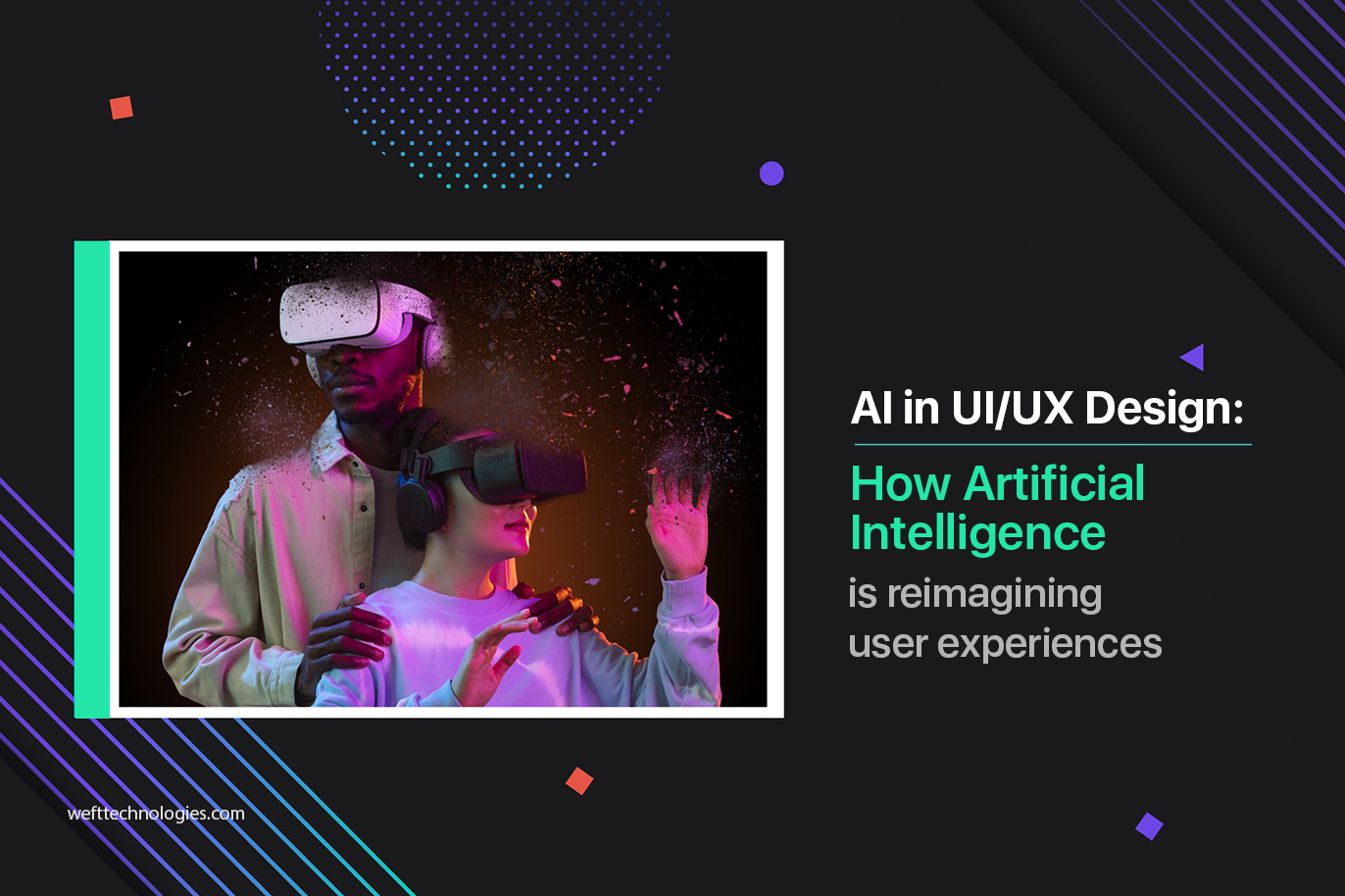
The next big leap is AR/VR and spatial UI integration. As mixed-reality devices increase, UI/UX will move beyond screens to 3D spaces. AI will be central to developing natural gestures, spatial guidance, and adaptive interfaces in virtual spaces, dissolving the distinction between digital and physical experience.
But innovation isn’t without responsibility. Ethical design is becoming non-negotiable. With AI handling user data, designers must prioritize transparency, consent, and inclusivity. Bias in AI models can unintentionally skew user experience, so future UX design must be ethically audited, culturally sensitive, and user-respecting by design.
We’re moving toward interfaces that are predictive, spatially intelligent, and emotionally aware. The challenge? To keep them transparent, fair, and human-first. As AI continues to unlock new creative possibilities, the best designers will be those who use it not just to optimize interfaces but to elevate experiences.
Final Thoughts
Artificial Intelligence has become an agent of revolution in UI/UX design, transforming how interfaces are designed, built, and adjusted. Ranging from accelerating cycles of design and automating routine tasks to enabling hyper-personalized experiences and anticipatory patterns of interaction, AI enables designers to create interfaces that not only work but are also intuitive, responsive, and emotionally intelligent.
With changing UI/UX trends, AI keeps pushing the boundaries with emotion-sensitive systems, generative design, and voice-based interactions that respond in real time to user activity. With all this, it is imperative to collaborate with the right UI/UX Design Company in India that possesses insight into the technology as well as insight into the human factor.
Choose AI for the best User Experience and opt for AI-enabled UI/UX Design Services to evolve your product to a completely adaptive, user-first interface.

We are here to help you with growth
Contact Our ExpertsLatest Blogs
- The Death of the Digital Brochure: Why Your Website Must Evolve into an AI-First Product
- From Prototype to Production: Building Custom AI Software for Long-Term ROI
- How to Achieve Product-Led Growth in 2026? The Right Strategies for a Successful Product
- How to Pivot a SaaS Startup Successfully: A Strategic, Data-Driven Guide for Founders